Mesh Wi-Fi: When One Router Isn't Enough
Signs your home needs mesh Wi-Fi, how it differs from an extender, and what to check on nodes, backhaul and speed rating before you buy, so you pay for coverage you need.
Our pick TP-Link Deco mesh Wi-Fi system
It covers most homes with two or three nodes and a simple app, at a mid-range price.

We may earn a commission if you buy through links in this guide. How we make money
One router works for a small apartment. It struggles in a larger or multi-floor home, where walls, floors and distance weaken the signal. A mesh system fixes that with several units that act as one network, so your phone moves between them without you doing anything.
You do not always need mesh. Try moving the router first. If dead zones remain, mesh is the next step.
Signs you need more than one router
- Video calls drop in the back bedroom or the basement.
- Speed tests near the router are fine but poor two rooms away.
- The house has more than one floor, thick brick or plaster walls, or an awkward layout.
- You have lots of smart devices, which add up quickly on one router.
If your problem is one dead spot, a single extender might be enough. If it is the whole house, mesh is cleaner.
Mesh versus extenders
A range extender repeats an existing signal. It is cheap and easy, but it often creates a second network name and can cut speed in half because it talks to the router and your device on the same radio. A mesh system uses units that share one network name and hand devices off to the closest node.
| Extender | Mesh system | |
|---|---|---|
| Network name | Often a second one | One for the whole home |
| Coverage | One dead zone | Whole house |
| Setup | Simple | App-guided |
| Cost | Budget | Mid-range to premium |
What to look at when comparing systems
Number of nodes
Packs of two cover small to medium homes, and packs of three suit larger ones. Product pages usually list square footage; treat it as a best-case figure and size up if your walls are thick.
Wi-Fi standard
Wi-Fi 6 is the sensible baseline now. Wi-Fi 6E and Wi-Fi 7 add more capacity on newer phones and laptops, but you pay more and you only benefit if your devices support them.
Backhaul
Backhaul is how the nodes talk to each other. A dedicated wireless band or a wired Ethernet link keeps speed high. Tri-band systems have a spare band for this.
Ethernet ports
If you have a console, a desktop or a TV box, check that each node has a spare port you can plug into.
Well-known mesh lines
TP-Link Deco is a common mid-range choice with a simple app.
Eero, owned by Amazon, is easy to set up and works well with Alexa.
Google Nest Wifi and Netgear Orbi are also widely sold; Orbi sits at the premium end with strong backhaul.
Check the support terms too: some brands put features like parental controls or security behind a subscription.
Placing the nodes
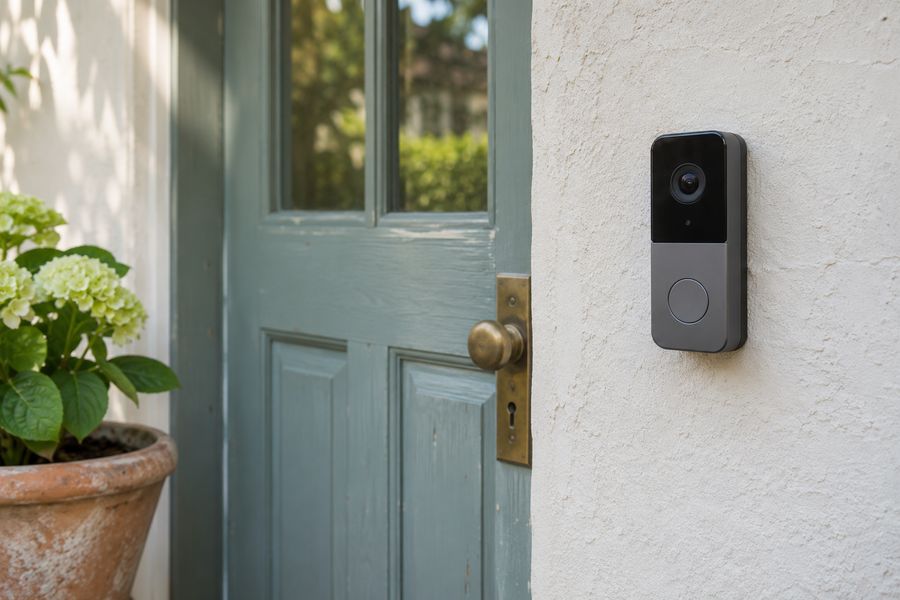
Put the main unit near your modem. Place the others about halfway to the weak spot, not in it, and keep them off the floor and away from metal and microwaves. A shelf or table in an open area is ideal. If your doorbell camera is far from the router, a node near the front of the house helps; see video doorbells without a monthly fee.
Setup and everyday use
Setup usually runs through a phone app. You plug the first node into your modem, follow the prompts, then add each extra node and let the app test the connection. Most systems tell you if a node is too far away.
Name your network something simple and set a strong password. Create a separate guest network for visitors and smart-home gadgets. Check for firmware updates now and then, since they fix security holes and sometimes improve speed. If the internet slows down, restarting the nodes in order, modem first, often clears it.
Quick answers
Will mesh make my internet faster?
Not beyond what your provider delivers. It makes the speed you pay for reach more rooms.
Can I mix mesh brands?
Usually not. Nodes from one system are designed to work together, so buy a matching set.
Do I need to replace my modem?
No. Most mesh systems replace the router and connect to your existing modem.
The bottom line
If a single router leaves you with dead rooms, a two- or three-node Wi-Fi 6 mesh system is the tidy fix. Choose by home size and by wired backhaul if you can, and skip extra-fast standards you will not use.